

In today’s rapidly evolving business landscape, automation is key to operational efficiency, with 80% of executives believing it can be applied to any business decision. (Source)
While ServiceMax offers field service management solutions, it lacks advanced AI-driven automation capabilities, which may limit organizations looking to simplify field service with AI.
To bridge this gap, we’ve curated a list of the top 10 ServiceMax alternatives for 2026, helping field service industry find solutions that align seamlessly with their automation goals.
So, without any further ado, let’s delve into the list of the 10 best alternatives that will enhance efficiency, streamline operations, and drive smarter decision-making in field service management!
Why Consider Alternatives to ServiceMax?
- Users have reported several drawbacks with ServiceMax, including its resource-hungry nature, which can impact system performance. Additionally, many long-time leaders have left the company, raising concerns about stability.
- The support experience can also be frustrating—unless you purchase a premium package, you’re limited to standard weekday support, which poses challenges. Frequent mandatory upgrades are required to stay within the support window.
- Technical issues like unresponsive URLs during outages and the platform’s clunky performance further add to the frustration. Since ServiceMax runs on Salesforce, but has changed ownership multiple times (from Salesforce to GE and now private equity), it suffers from identity issues and a lack of clear direction.
- If reliability, ease of use, and strong support are priorities, exploring ServiceMax alternatives may be worthwhile.
10 Best ServiceMax Alternatives to Look for in 2026
| Software | User Ratings on Capterra | Pricing |
| FieldCamp | 4.9/5 | Completely free. No pricing plans, no subscription |
| ServiceTitan | 4.4/5 | Need to request a quote |
| Housecall Pro | 4.7/5 | Starting around $69/month/user |
| Jobber | 4.5/5 | Plans start at $28/month and go up to $140/month/user |
| FieldAware | 3.3/5 | Need to request a quote |
| ServicePower | 4.3/5 | Need to request a quote |
| Service Fusion | 4.3/5 | Starts from $192/month to $298/month |
| FieldEdge | 4.2/5 | Pricing is not explicitly listed |
| Synchorteam | 4.5/5 | Pricing details are not explicitly mentioned |
| Kickserv | 4.4/5 | Plan starts at $39 per month and goes up to $239 per month |
1. FieldCamp: AI-Driven Field Service Made Simple
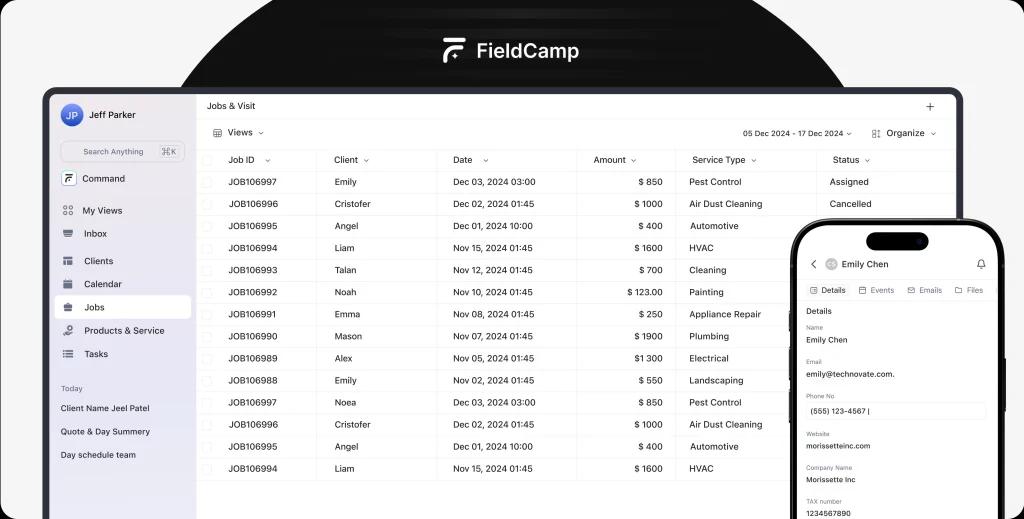
FieldCamp is an AI-driven field management software that simplifies operations for service professionals. With an intuitive chat-based interface, technicians can execute tasks through text or voice commands, reducing effort and boosting efficiency.
Why FieldCamp?
- Conversational AI system – Interact with FieldCamp using natural language for seamless task execution
- Smart task automation – AI schedules jobs, assigns work, and manages customer interactions
- Intelligent search capabilities – Quickly access client information, job history, and task lists
- Unified communication platform – Combines chat, email, and scheduling into one cohesive tool
- Cross-device functionality – Operate FieldCamp on mobile or desktop effortlessly
Essential features
- AI chat assistant: Perform tasks using simple text or voice inputs
- Advanced client management: Keep track of customer interactions and custom data fields
- Automated scheduling & assignments: AI-powered scheduling with Google Calendar integration
- AI-powered email responses: Get intelligent email reply suggestions to enhance communication
- Custom reports & views: Analyze data effectively with adjustable reports
- Smooth third-party integrations: Connect FieldCamp with essential tools like Gmail and Google Calendar
Pros
- Reduces manual workload with AI automation
- Voice and text command execution improves efficiency
- AI-enhanced scheduling minimizes errors
- Streamlined communication through a single platform
Cons
- No free version currently available
- Limited integrations (more options coming soon)
- AI learning curve for new users
Availability:
Use FieldCamp on the web and mobile (iOS & Android) for flexible access.
Pricing:
Enjoy premium features at zero cost—completely free with no hidden charges.
AI-powered Field Service, Simplified
Eliminate inefficiencies and enhance field service productivity with automation.
2. ServiceTitan: Best for Residential Service Businesses
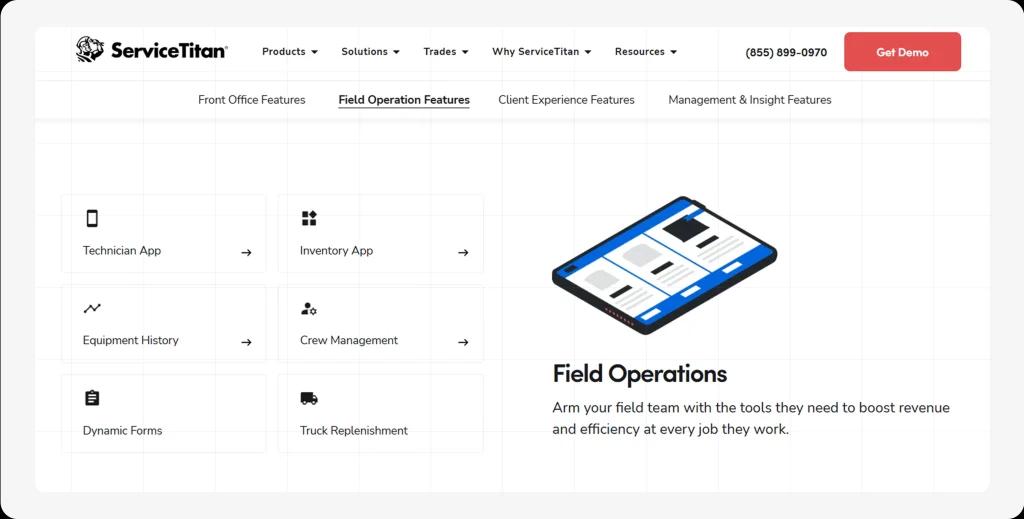
ServiceTitan is designed for HVAC, plumbing, electrical, and landscaping businesses. It tracks calls, schedules appointments, and monitors marketing performance. For more product details, kindly check out our in-depth ServiceTitan review blog.
Key features:
Work order & inventory management
Scheduling & dispatch
Quotes & estimates
Billing & invoicing
Pros:
- Intuitive UI & excellent customer support
- Advanced marketing tracking
- Real-time performance monitoring
Cons:
- Expensive for small businesses
- Unorganized QuickBooks integration
Available on:
Web, iOS, and Android platforms
Pricing:
ServiceTitan’s pricing is customized based on business needs and typically requires a consultation for a detailed quote. Users may request pricing from their pricing page.
3. Housecall Pro: Best for Home Service Providers
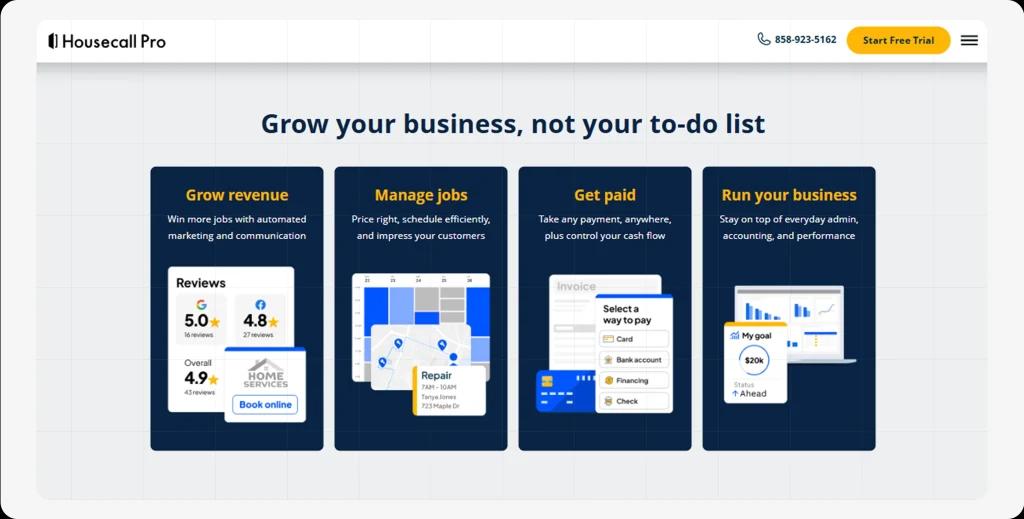
Housecall Pro helps businesses streamline scheduling, dispatching, and payments while offering marketing tools like review management and follow-up automation. For a full breakdown of Housecall Pro’s features, visit our detailed review blog.
Key features:
Work order & technician management
Live GPS tracking
Online booking & invoicing
Pros:
- Hassle-free scheduling & dispatching
- Automated email & text notifications
- Integrates with HomeAdvisor
Cons:
- Employee tracking is sometimes inaccurate
- Occasional software crashes
Available on:
Web, iOS, and Android platforms
Pricing:
Service Fusion’s pricing is structured into three tiers: the Starter plan costs $192 per month (billed annually) or $195 monthly, the Plus plan is $298 per month, and the Pro plan is $489 per month.
4. Jobber: Best for Small Business Owners
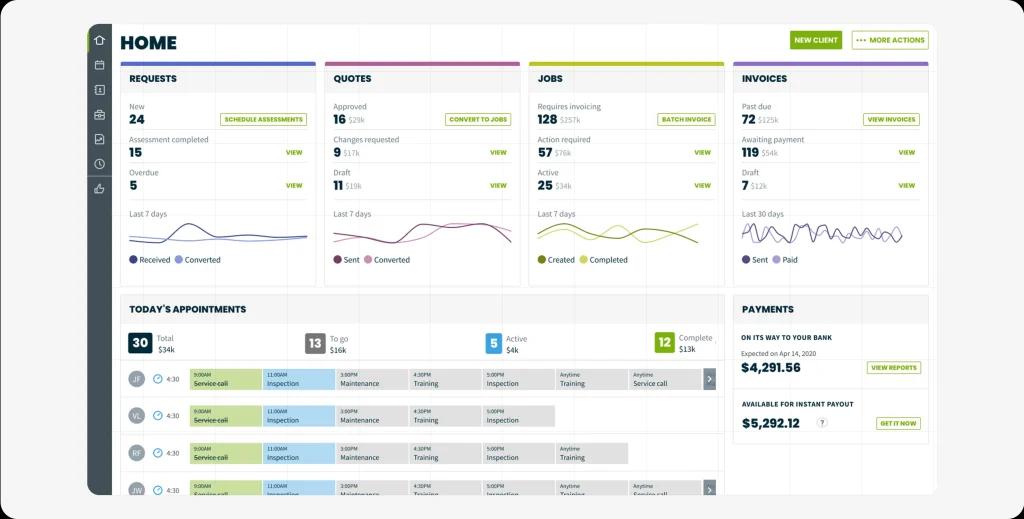
Jobber is a powerful field service CRM that simplifies job tracking, invoicing, and client communication. For a closer look at Jobber, don’t miss our expert review blog.
Key features:
Customer database & history tracking
Job scheduling & dispatch
Billing & invoicing
Pros:
- Easy customer history tracking
- Optimized route planning
- Timely job appointment notifications
Cons:
- No option to restore deleted data
- Pricier than competitors
Available on:
Web, iOS, and Android platforms
Pricing:
Plans start at $28/month and go up to $140/month per user.
5. FieldAware: Best Cloud-Based FSM Software
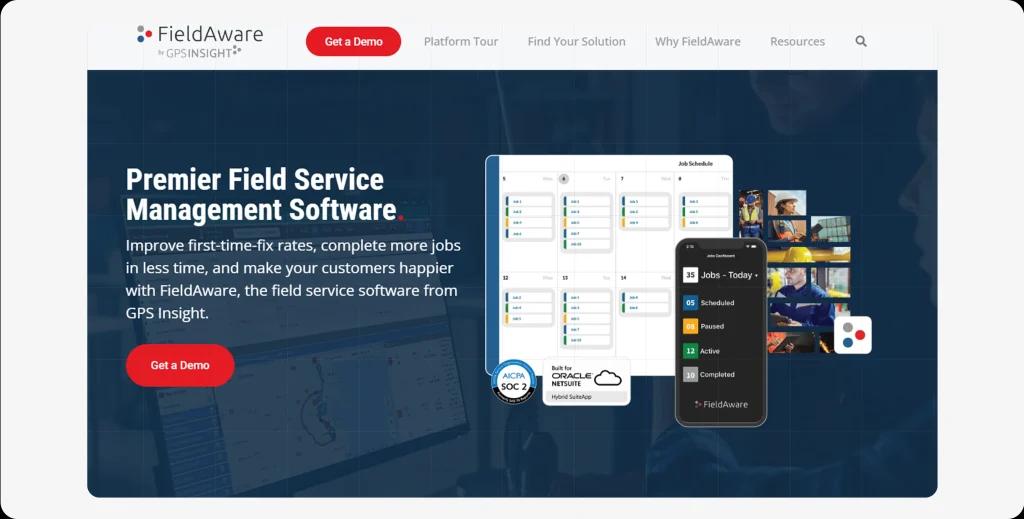
FieldAware offers a cloud-hosted FSM solution with powerful reporting, automation, and real-time updates.
Key features:
Asset management & mobile access
Customer portal & barcode scanning
Real-time invoicing & cost estimation
Pros:
- Quick setup & easy navigation
- Seamless dispatching
- Open API for flexibility
Cons:
- No automatic text messaging
- Unresponsive sales department
Available on:
Web, iOS, and Android platforms
Pricing:
The pricing plan starts at $70.00 per user per month, though it has not been publicly shown on its official website.
6. ServicePower: Best for Enterprise Workforce Management
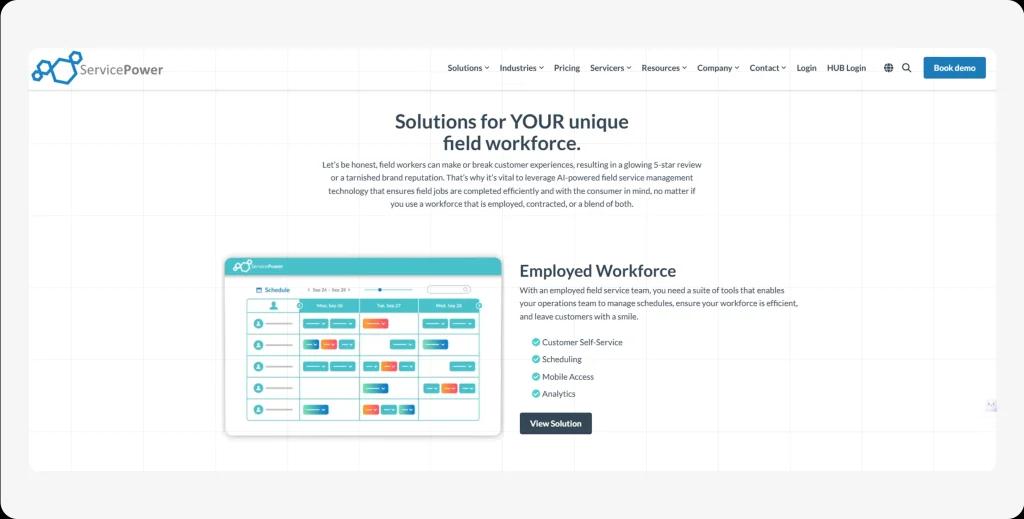
ServicePower optimizes service delivery by providing real-time workforce tracking and in-depth reporting.
Key features:
Scheduling & dispatch
Quotes & estimates
Job tracking & technician management
Pros:
- Easy system integration
- Excellent customer support
- AI-powered workforce management
Cons:
- Steep learning curve
Available on:
Web, iOS, and Android platforms
Pricing:
ServicePower does not publicly disclose its pricing. To get a quote, visit their pricing page and request a customized plan.
7. Service Fusion: Best for Small & Medium Businesses
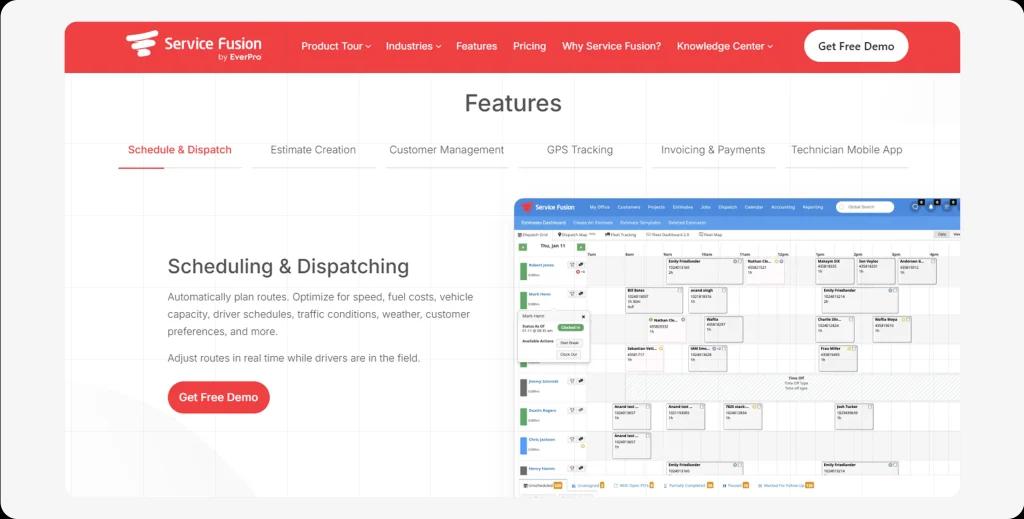
Service Fusion offers intelligent job tracking, scheduling, and invoicing, enabling small field service companies to scale efficiently. Read our expert review on Service Fusion to see if it’s the right fit for you.
Key features:
Customer & job management
Mobile payments & billing
Workforce analytics
Pros:
- Easy customization
- Real-time job tracking
- User-friendly interface
Cons:
- Unexpected software updates
- Outdated calendar feature
Available on:
Web, iOS, and Android platforms
Pricing:
Service Fusion’s pricing is structured into three tiers: the Starter plan costs $192 per month (billed annually) or $195 monthly, the Plus plan is $298 per month, and the Pro plan is $489 per month.
8. FieldEdge: Best for Route Optimization & Scheduling
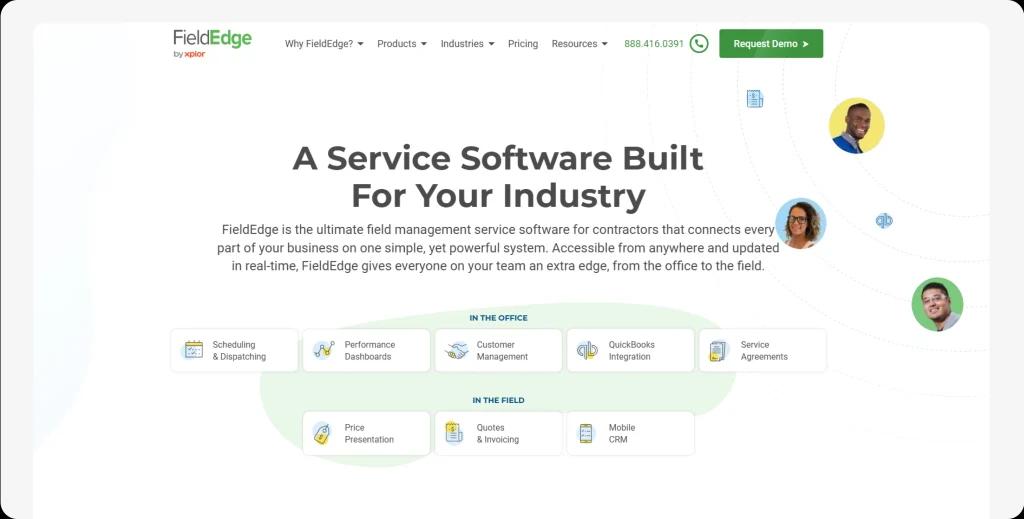
FieldEdge helps service businesses streamline field service operations with job tracking, route optimization, and automated invoicing.
Key features:
Dispatch & scheduling
Invoice & payment tracking
Customer database
Pros:
- Mobile-friendly and customizable
- Real-time technician tracking
Cons:
- Not beginner-friendly
- Integration issues
Available on:
Web, iOS, and Android platforms
Pricing:
Pricing is not explicitly listed but focuses on invoicing, dispatching, and payment processing.
9. Synchroteam: Best for GPS & Real-Time Job Tracking
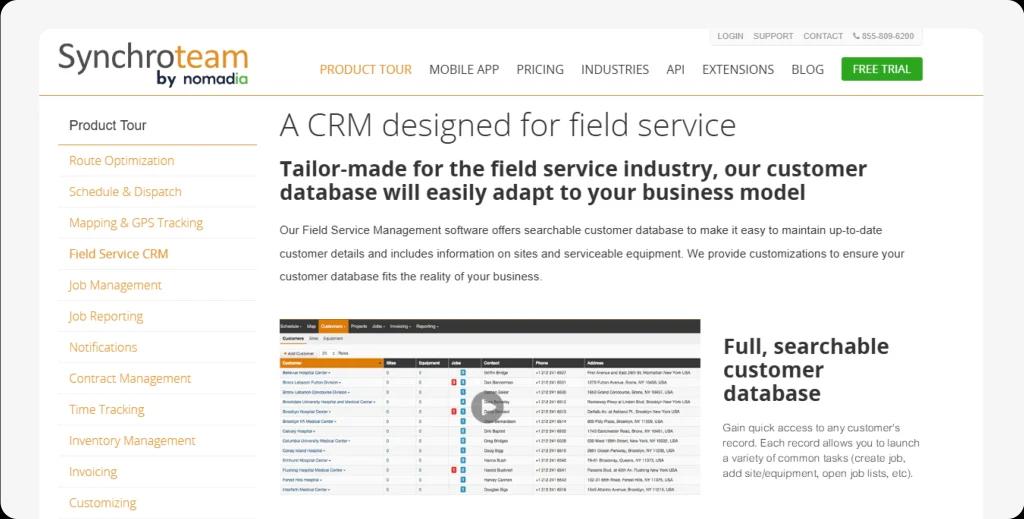
Synchroteam provides real-time location tracking, job scheduling, and payment processing for a seamless field service management system.
Key features:
GPS tracking & site monitoring
Payment processing
Dispatch & work order management
Pros:
- Third-party integrations
- Available on iOS & Android
Cons:
- Not easy to navigate
- Expensive compared to competitors
Available on:
Web, iOS, and Android platforms
Pricing:
Pricing details are not explicitly mentioned, but it offers cloud-based field service management software.
10. SmartServ: Best for Real-Time Collaboration
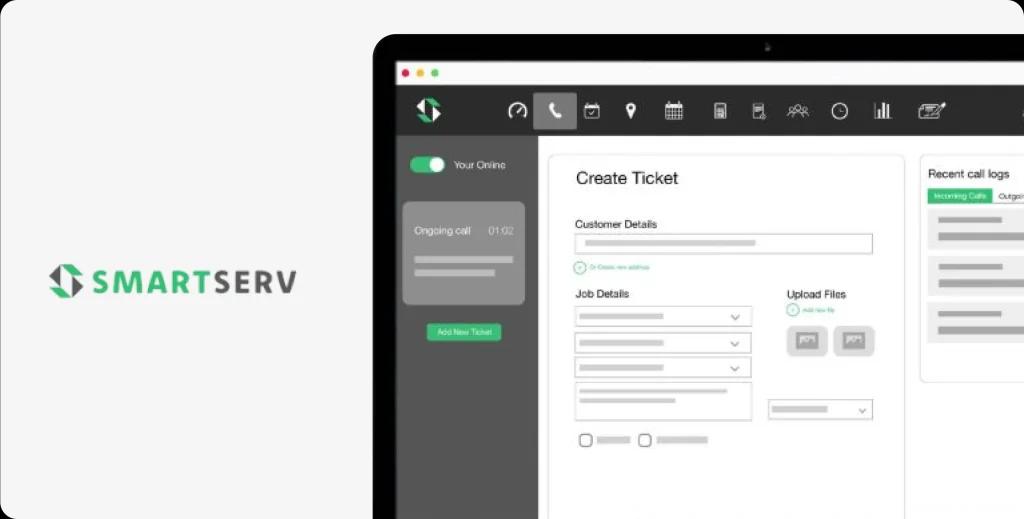
SmartServ enables real-time communication, automated workflows, and mobile accessibility for field technicians.
Key features:
Online payments & invoicing
Customizable workflows
Maps & routing capabilities
Pros:
- Customizable features
- Tracks addresses & equipment details
Cons:
- Slow app loading times
- Laggy performance on simple tasks
Available on:
Web, iOS, and Android platforms
Pricing:
Pricing details are not publicly available, but it offers cloud-based field service management solutions.
Your Field Service Business Can Run Itself—With AI
Stop wasting hours on admin work! FieldCamp AI automates everything from job scheduling to follow-ups.
Frequently Asked Questions
Is ServiceMax part of Salesforce?
No, ServiceMax is not part of Salesforce, but it has a strong integration with Salesforce through ServiceMax Asset 360.
Originally, ServiceMax was an independent field service management (FSM) software provider. It was acquired by PTC in 2022. However, ServiceMax Asset 360 is a field service management solution built on Salesforce and is available through the Salesforce AppExchange.
So, while ServiceMax is not owned by Salesforce, it does have a deep integration with Salesforce Field Service (SFS) to provide end-to-end asset service management and field service automation.
Is ServiceMax good?
Yes, based on the data derived from the Glassdoor web page, ServiceMax has an average rating of 4.2 out of 5, based on over 208 anonymous employee reviews. Two-thirds of employees would recommend ServiceMax as a workplace to friends, and 66% feel optimistic about the company’s future. These ratings have remained consistent over the last year.
Who bought out ServiceMax?
Because of the increasing demand for asset life cycle management solutions, PTC announced its decision to acquire ServiceMax on November 17, 2022. The agreement, valued at $1.46 billion, sees PTC purchasing ServiceMax from Silver Lake, a private equity firm.
This acquisition underscores the growing importance of tools that effectively manage assets throughout their entire life cycle, highlighting PTC’s commitment to enhancing its offerings in this space.
What is ServiceMax used for?
ServiceMax is a comprehensive field service management (FSM) solution designed to support and optimize field service operations across various industries. It is particularly well-suited for businesses that rely on managing complex assets visibility, equipment, and workflows in the field.