
AI-Enhanced Field Service Document Management
Automate document organization, secure file access instantly, and eliminate paperwork chaos with intelligent document management systems built for efficient field service operations.
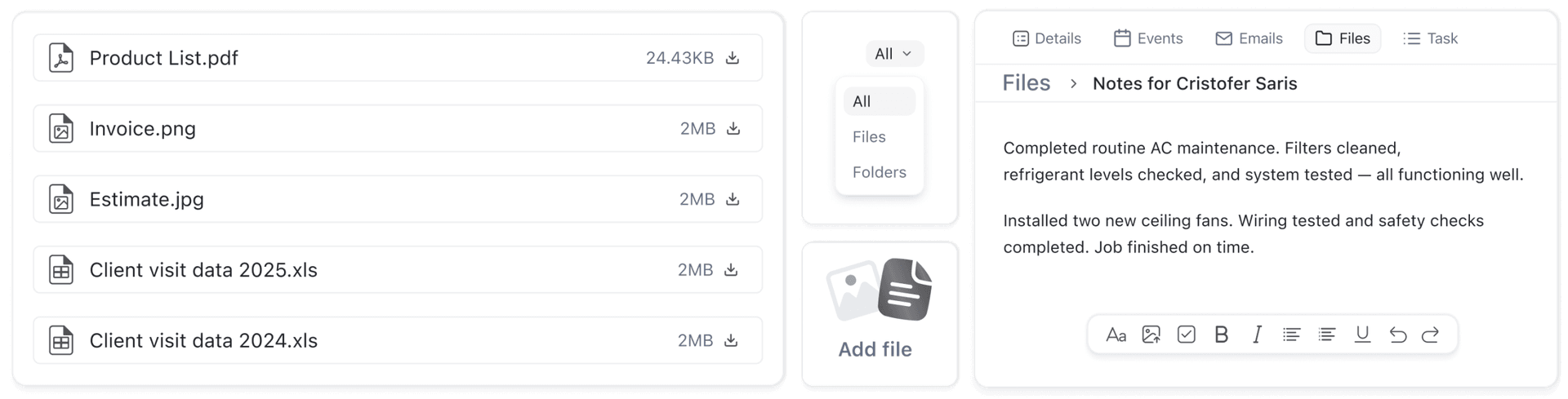
Effortless File Management System,
Complete File Control
Upload files instantly, auto-map to customers, and organize everything with AI—no clutter, just clarity.
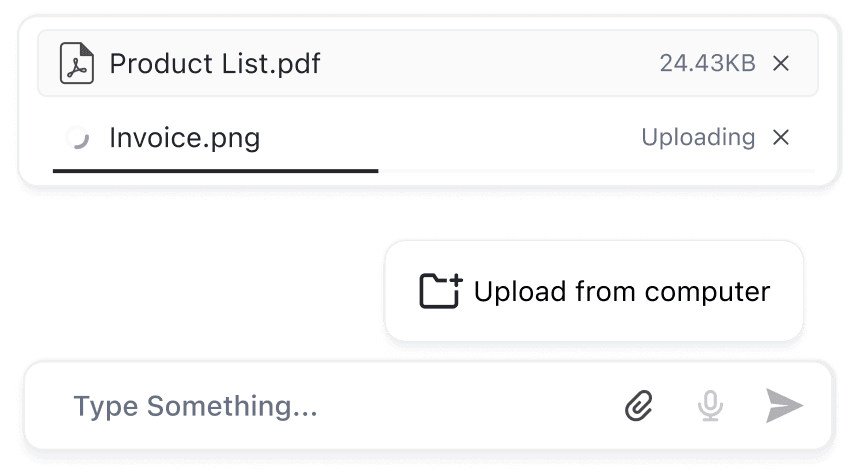
Chat Interface File Sharing
Upload files instantly through FieldCamp’s chat interface for seamless document management and collaboration.
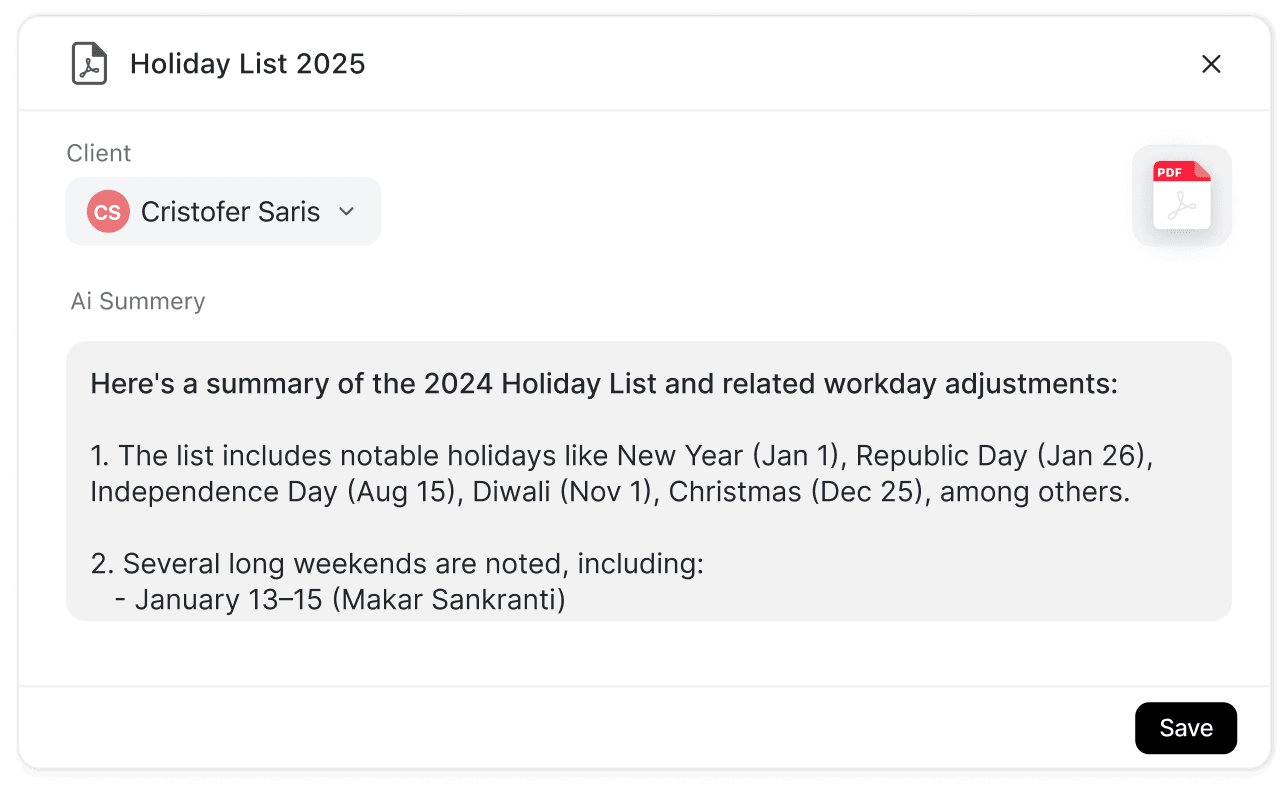
Automatic Client Document File Mapping
Field service software automatically maps files to customers through dropdown selection for seamless file organization and storage efficiency.This eliminates manual sorting and ensures instant file retrieval for every customer interaction.
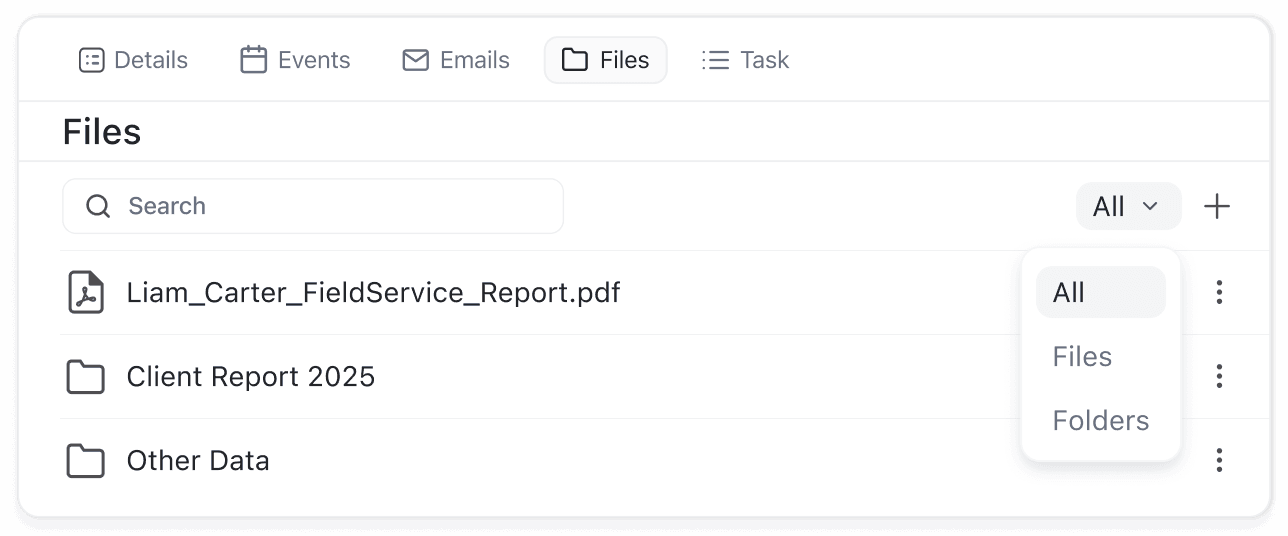
Instant Cross-Platform File Availability
Files uploaded through the Command Centre become immediately accessible in the client’s profile section, availability across the entire field service management platform.
Multi Format Storage Support
Store various file types in secure storage including PDFs and images for comprehensive field service operations.
Streamlined Organisation
Maximum Productivity Gains
Keep all your field service files perfectly organized and instantly accessible.
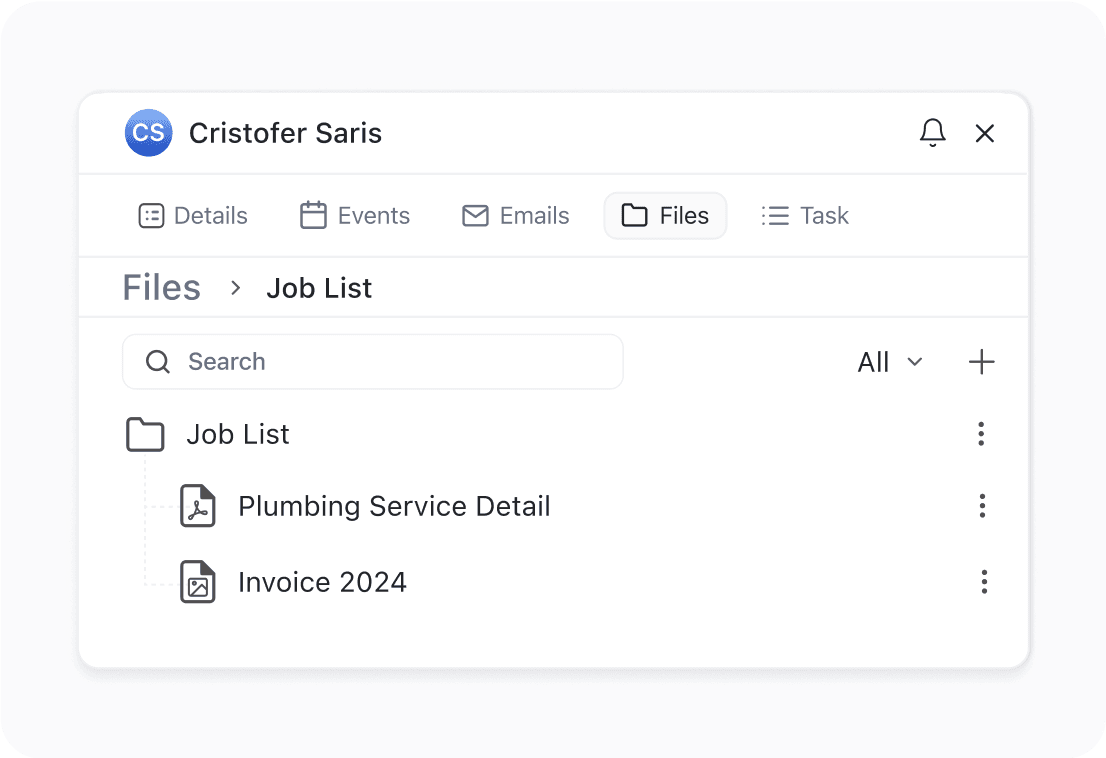
Stay Perfectly Organized
Create nested folders like “Jobs” or “My Files” and subfolders organized by job, date, or type.
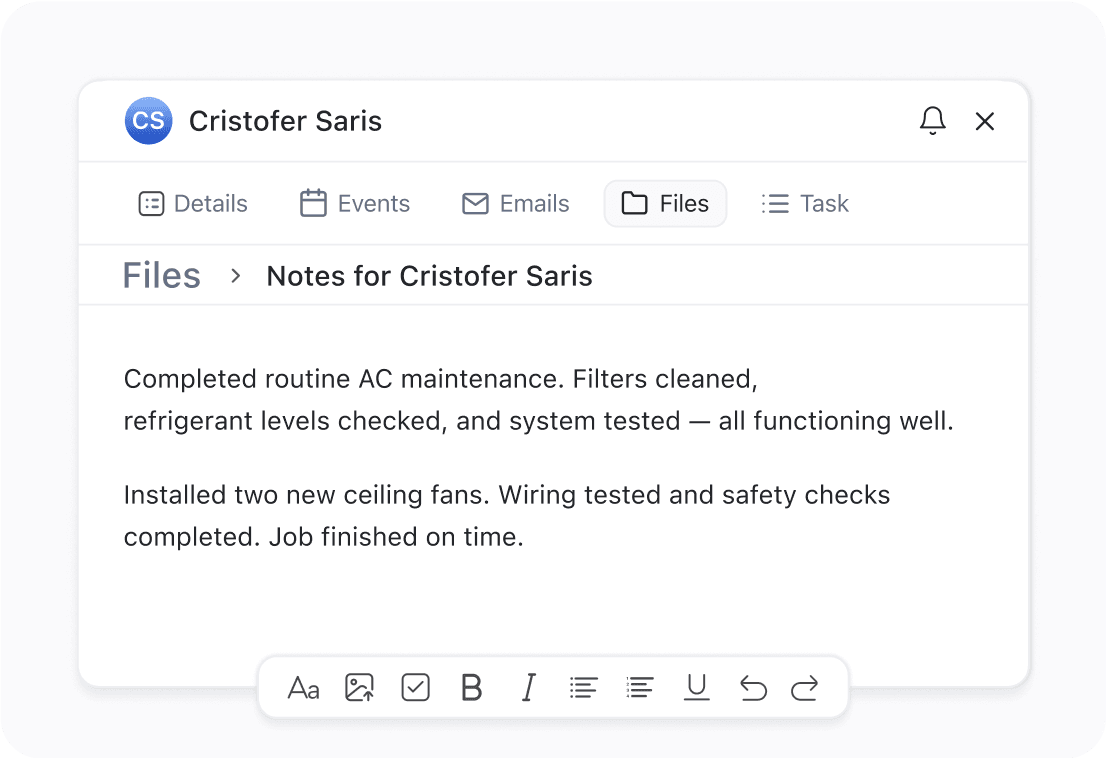
Unite Notes with Documents
Create quick notes like work orders and attach files to folders—written instructions and visual references together.
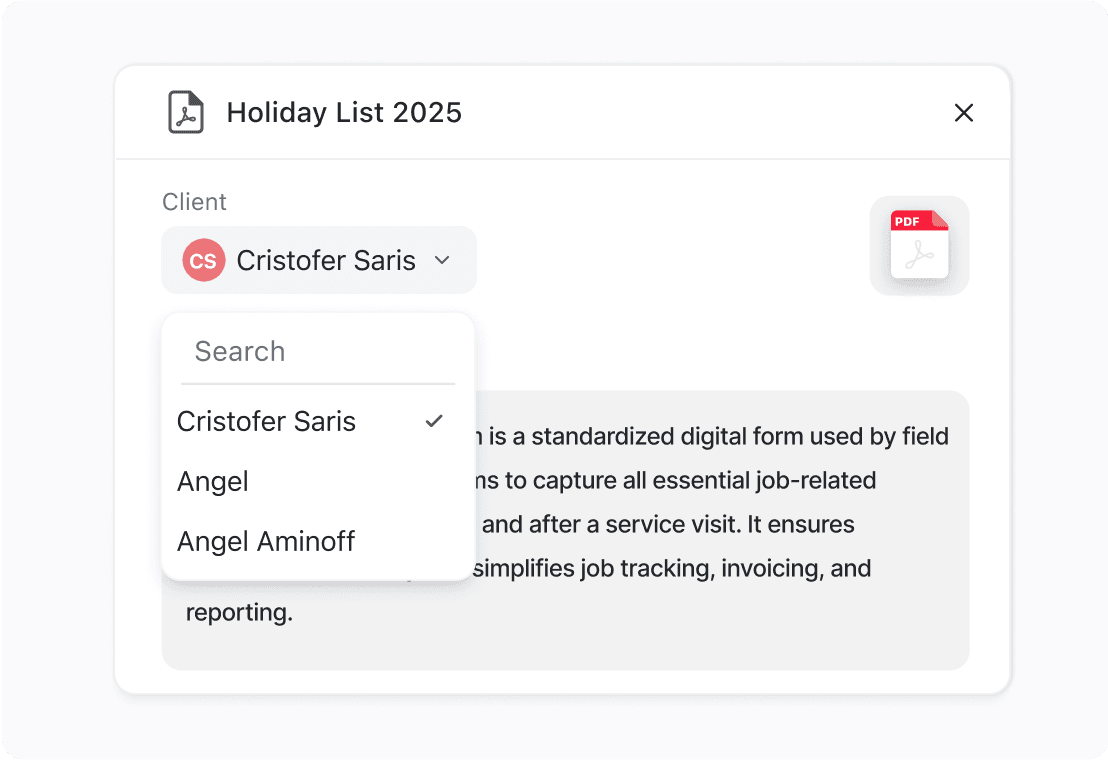
Access Files Instantly Anywhere
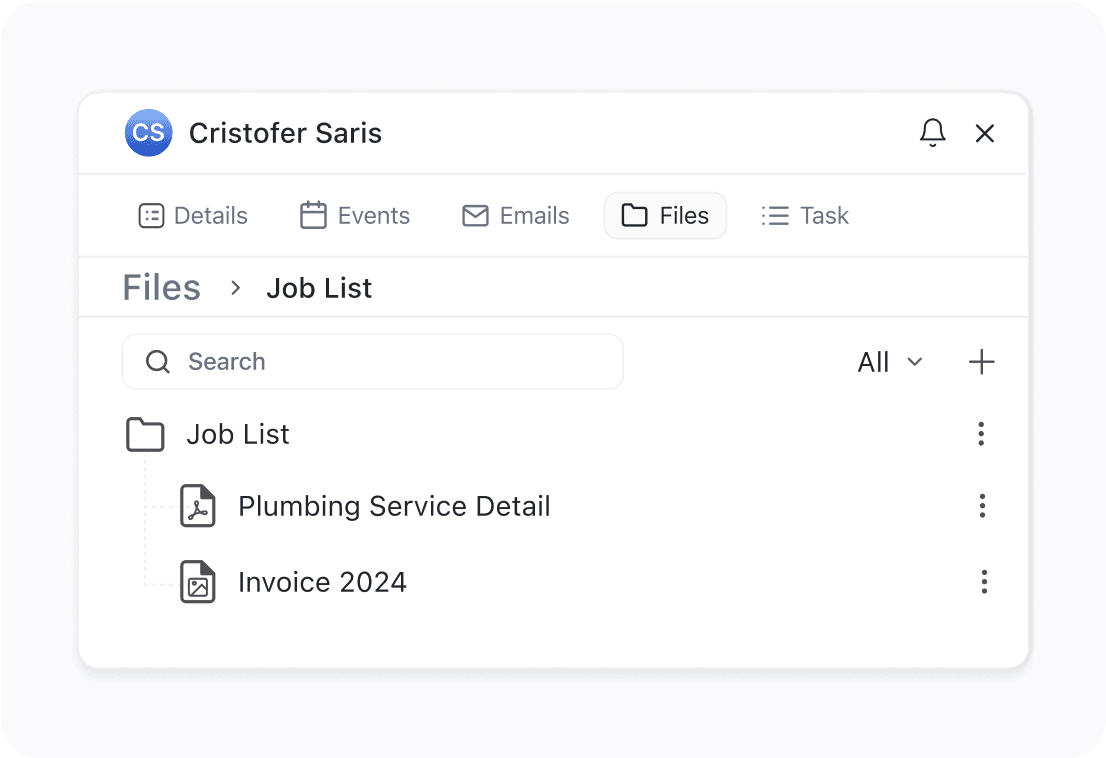
All uploaded files through chat, forms, or manual entry stored under each customer’s profile easily.
Smart File Control,
Better Management
Advanced features that give you complete control over every document in your system.

Edit Files From Any View
Rename, move, or delete files instantly from any folder using right-click or action menu controls—no need to navigate away from current work.
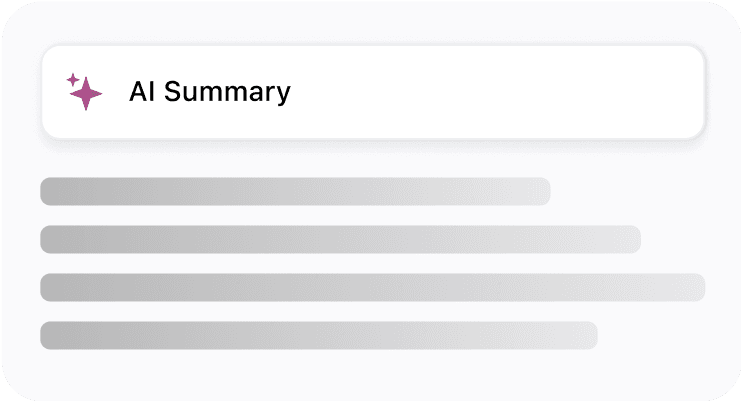
Get AI Insights While You Type Notes
Use built-in AI to analyze note content while you type—perfect for generating summaries, insights, or follow-up tasks for field service jobs.
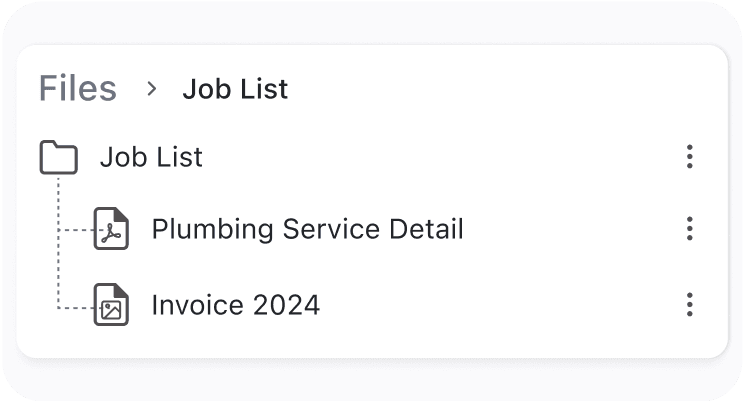
Control Access Across All Job Folders
Easily manage files across jobs or internal folders like “My Files” while maintaining clean folder structures and proper access control for teams.
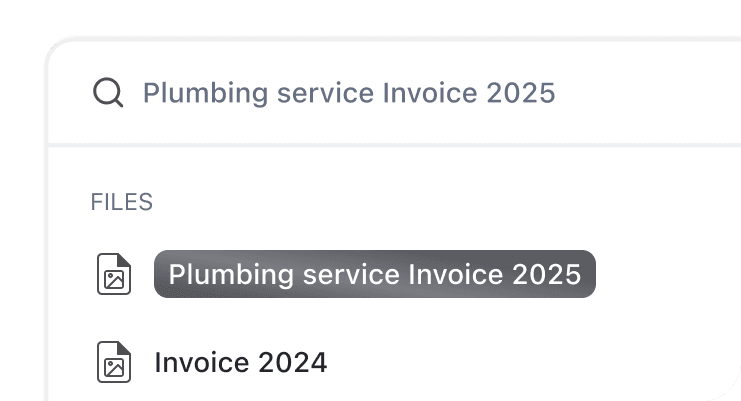
Find Any File in Seconds Using Search
Find files fast with the real-time search bar or filter them by type (images, notes, documents, etc.) without scrolling through multiple folders.
Quickly download and share
Instantly access and distribute files from any folder with a single click. Speed up communication and keep your team in sync effortlessly.
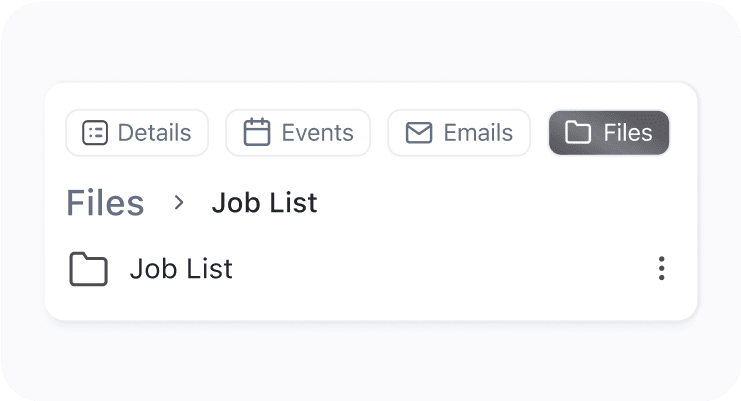
Cross-Tab File Organization
Access and manage all client files seamlessly across details, events, emails, files, and assets tabs without switching views or losing documents.
See FieldCamp
in Action

Connect any
type of data
All calls, emails, texts, and notes in one place. Your team sees full conversation history, building stronger customer relationships and ensuring seamless communication.
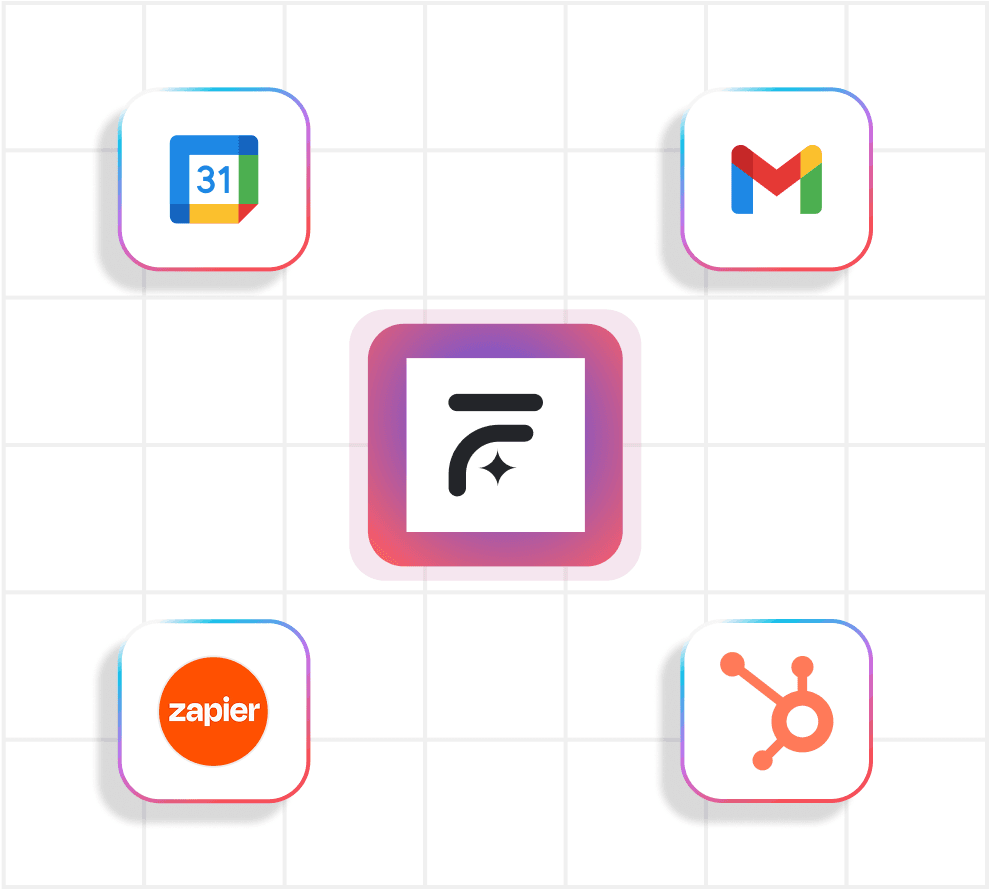
Connect FieldCamp with Gmail, Google Drive, HubSpot, and more-automate workflows, sync data effortlessly, and enhance team collaboration for unparalleled efficiency in your field service operations.
What Our Users Are Saying
Let AI handle the thinking while you
focus on growing and keeping customers happy

Before FieldCamp, I spent hours digging through folders for client photos and invoices every week. Now, everything’s just… there. FieldCamp helps me organize files automatically. It’s like having an extra teammate!

James
Window Cleaning Technician
In my industry, losing a blueprint or contract is equal to a nightmare. FieldCamp keeps every document, photo, and note in one place. Also, I don’t have to stress about storage limits and can focus on getting the job done.

Mitchel
Construction Project Manager
I work on seasonal projects with hundreds of photos that often require edits. FieldCamp’s file management feature is a lifesaver for me. I can just drag and drop files, and everything is saved in one place, also, it’s completely free, which is amazing!

Claire
Landscape Designer
Frequently Asked Questions
How does FieldCamp field service document management differ from generic document management software?
FieldCamp is purpose-built for field service companies with specialized key features including work order-specific file organization, equipment manual linking, service history documentation, and field-optimized interfaces. Unlike generic document management systems, FieldCamp provides context-aware file suggestions and integrates directly with scheduling, invoicing, and customer management workflows to improve processes and increase productivity.
Can I create custom document management processes for different service types?
Yes, FieldCamp includes fully customizable folder hierarchies and document organization systems. Create dedicated structures for HVAC manuals, electrical schematics, plumbing diagrams, or specialized service documentation with automated filing rules and service-specific templates that rely on industry best practices and continuous improvement methods.
How do document management features help with compliance and reporting?
The system includes comprehensive audit trails, version control, and structured documentation with automated compliance reporting. Generate detailed access reports, maintain organized regulatory records, and track document changes with timestamp logging that supports industry-specific compliance requirements, effectiveness monitoring, and progress tracking for better operational efficiency.
How efficiently can field service teams locate critical documentation?
Field service teams can locate essential files within seconds using FieldCamp’s intelligent search engine and mobile-optimized interface. The system includes mobile document synchronization, quick-access bookmarks, and contextual document suggestions based on work order details and location data to minimize response time, reduce wasted time, and enhance productivity for field service activities.
Does the system integrate with existing business software and technologies?
Yes, FieldCamp’s document management integrates seamlessly with popular business applications, invoicing systems, scheduling platforms, and CRM tools through API connections and automated data synchronization that maintains consistency across your technology stack and human resources plan while improving customer satisfaction and customer experience.