
- How Does Email to SMS Work for Uptime Alerts?
- Why Did Carrier Email-to-Text Gateways Stop Working for Uptime Alerts?
- How Do You Set Up UptimeRobot Text Alerts With TextBolt?
- Which Other Monitoring Tools Can Send Text Alerts Through TextBolt?
- Why Use TextBolt for Uptime Text Alerts?
- Email to SMS Gateway vs SMS API vs Carrier Addresses: Which Route Fits Uptime Alerts?
- Make Sure the Next Down Alert Reaches a Phone
- Frequently Asked Questions
Get Down Alerts as Texts
Website Uptime Monitoring Text Alerts via Email to SMS

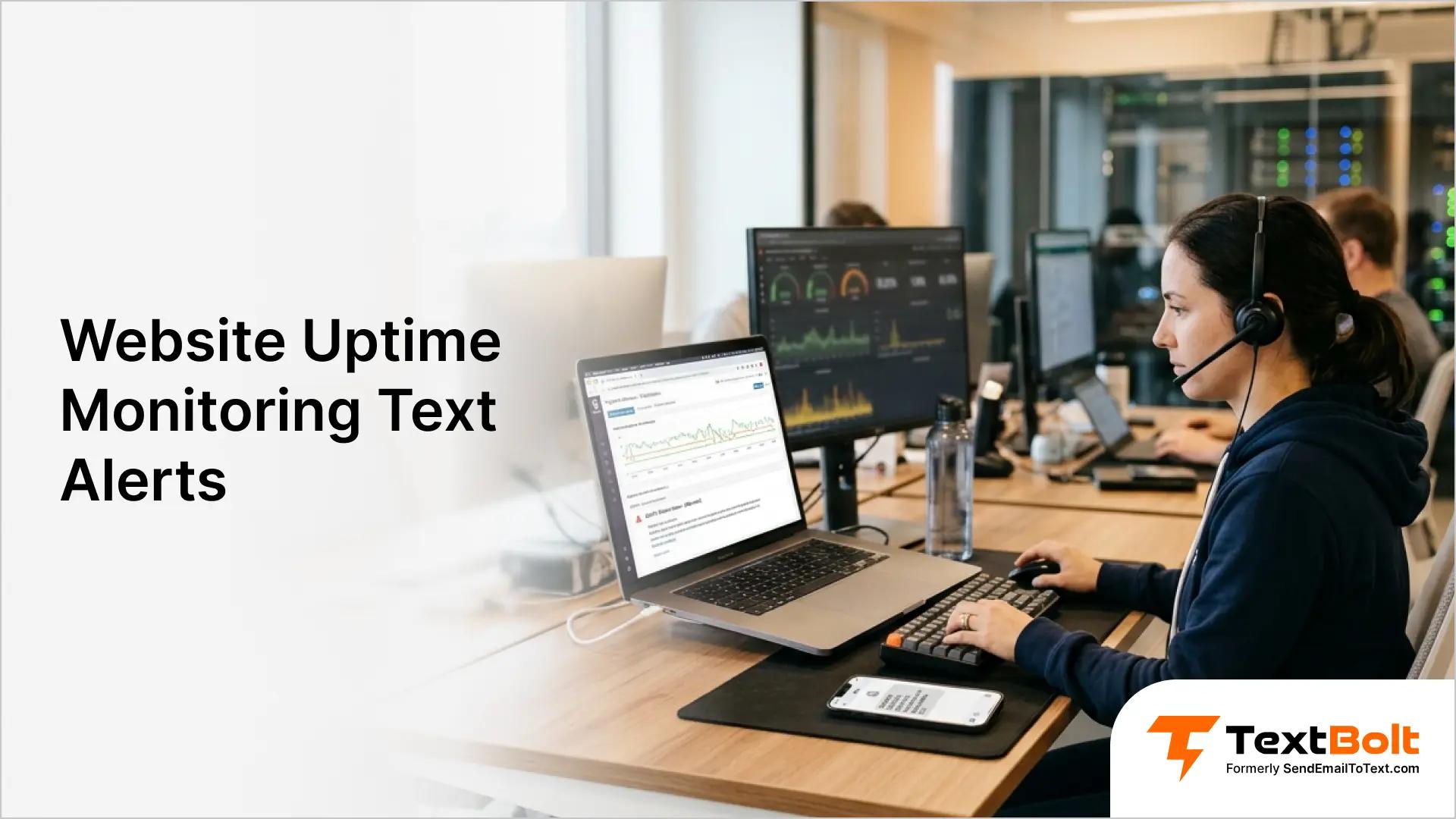
To get website uptime alerts by text, set your monitor’s alert email to a TextBolt address, +1[PhoneNumber]@sendemailtotext.com. The email to SMS gateway turns each down alert into a text on the on-call engineer’s phone, with no code to write.
The same address replaces the free carrier email-to-text gateways that monitors like UptimeRobot used to email. Carriers have shut those gateways down or set dates to close them.
How Does Email to SMS Work for Uptime Alerts?
An email to SMS gateway turns the alert email your monitor already sends into a text message. Nothing changes inside the monitor except the destination address.
- Your monitor sends the alert: UptimeRobot, Nagios or any other system sender detects the outage and emails its usual down alert.
- The email goes to your email-to-SMS address: The recipient is +1[PhoneNumber]@sendemailtotext.com, which accepts email from any system that can send an email.
- The text arrives: The alert’s subject line and the start of its body land on the engineer’s phone, sent from your account’s dedicated business number.
Your monitor keeps watching the site. The gateway only carries the alert from email to the phone.
Why Did Carrier Email-to-Text Gateways Stop Working for Uptime Alerts?
Consider a release morning. Your team ships at 6 AM, the homepage starts timing out, and UptimeRobot’s down alert goes out exactly as configured years ago, to [PhoneNumber]@txt.att.net. Your monitor did its job. Whether anyone’s phone lights up now depends on a carrier mail server, and AT&T no longer runs that one.
Carriers built these email-to-text gateways for convenience, not for business alerting. Twilio, text.email and TextBolt all report that the major US carriers have retired them or are retiring them, and filter what still passes through.
| Carrier | Address in your old alert contact | Status | Date | Official source |
|---|---|---|---|---|
| AT&T | [PhoneNumber]@txt.att.net, [PhoneNumber]@mms.att.net | Shut down | June 17, 2025 | AT&T support notice |
| T-Mobile | [PhoneNumber]@tmomail.net | Stopped delivering | Late 2024 | No public notice from T-Mobile |
| Verizon | [PhoneNumber]@vtext.com, [PhoneNumber]@vzwpix.com | Still delivering for now | Full shutdown by March 31, 2027 | Verizon support notice |
The fix happens in the alert contact, not the monitor. Replace [PhoneNumber]@txt.att.net with +1[PhoneNumber]@sendemailtotext.com, and do the same for every engineer, whatever carrier they use. You no longer need to know which network each phone is on.
How Do You Set Up UptimeRobot Text Alerts With TextBolt?
You set up UptimeRobot text alerts by adding the email-to-SMS address as an email alert contact and attaching that contact to your monitors. No integration or webhook is involved.
- Approve UptimeRobot as a sender. In your TextBolt account, add the email address UptimeRobot sends its alerts from as an approved sender. Replies to UptimeRobot alerts go back to that address. If you want engineers’ replies to reach your team, route the alerts through a mailbox you monitor.
- Create the alert contact. In UptimeRobot, add an email alert contact for each engineer. Enter +1[PhoneNumber]@sendemailtotext.com as the address, with that engineer’s number in place of [PhoneNumber].
- Attach the contact to monitors. Assign the new alert contact to the monitors that should page someone, such as production, checkout and login.
- Test the path end to end. Send a test email to the same address from Gmail, Outlook or any email client. Then force a real down event on a non-production monitor and confirm the text arrives. The dashboard should show it as delivered.
- Keep your email contact too. Leave your existing email alert contact in place, so every outage still reaches an inbox as well as a phone.
UptimeRobot field names can change between releases, so check its documentation if a label differs from the one above.
Turn Your Next Down Alert Into a Text
Point UptimeRobot at a TextBolt address, and your on-call engineer gets every outage on their phone from one registered business number.
Which Other Monitoring Tools Can Send Text Alerts Through TextBolt?
Any tool that emails its alerts can send them as texts this way. The address format is the same everywhere.
- PagerDuty and Opsgenie: Point escalation or notification emails at the engineer’s email to SMS address.
- Datadog, Grafana and AWS CloudWatch: Send threshold and outage notifications to that address instead of a carrier gateway.
- Nagios, Zabbix and PRTG: Set the contact’s email to +1[PhoneNumber]@sendemailtotext.com.
- Custom scripts: Any script that can send an email over SMTP can trigger a text.
- Broadcast and transmitter monitors: Remote site controllers that email fault alerts can page engineers the same way, as shown in our guide to transmitter fault text alerts.
Some monitors can send SMS themselves, often as a paid add-on with a limited number of texts each month. If your tool already texts on its own, you may not need an email-to-text gateway for it. An email address still helps when you want replies, or one sender number across all your tools.
Our infrastructure text alerts page covers server and network alerts alongside website uptime.
Why Use TextBolt for Uptime Text Alerts?
TextBolt lets any system or team that can send an email send and receive text messages: text customers straight from your inbox with replies threaded back, or pipe alerts from monitoring tools, alarm panels, and IoT sensors to a phone, all with no code or APIs.
TextBolt is a business-grade, drop-in replacement for the retired carrier email-to-SMS gateways (txt.att.net, vtext.com, tmomail.net) and a simpler alternative to code-heavy SMS APIs: a team changes an email address instead of running an integration project.
Business texts to US numbers have to come from a registered sender. TextBolt files your 10DLC registration at signup, and approval takes up to 48 hours. Set it up before your next release, not during an outage.
Can Engineers Reply to an Uptime Alert by Text?
Yes, if the alert comes from an address your team reads. With two-way messaging, a reply goes back to whichever address sent the alert. UptimeRobot sends from its own noreply address, so route alerts through a team mailbox such as alerts@yourcompany.com. Then a reply like “On it” reaches the rest of the on-call group.
Alerts a person sends from Gmail or Outlook are simpler. Replies come straight back to that person’s inbox.
How Does TextBolt Handle On-Call Rotation Changes?
When the rotation changes, you change the destination address on the alert contact. You don’t redeploy anything or change any code. Each engineer has their own text address, so pages reach whoever is on shift. TextBolt delivers across all major US and Canadian carriers, so you don’t need to know which carrier each engineer uses.
Email to SMS Gateway vs SMS API vs Carrier Addresses: Which Route Fits Uptime Alerts?
There are three ways to turn an uptime alert into a text. They differ most in how much you have to build and what you can see afterward. Our comparison of email-to-SMS vs SMS APIs goes deeper on the trade-offs.
| Route | No code needed | Replies return to an inbox | 10DLC registration handled | Delivery status visible |
|---|---|---|---|---|
| Legacy carrier addresses (txt.att.net, tmomail.net, vtext.com) | Yes | Route shut down or being shut down | Route shut down or being shut down | No |
| DIY SMS API (Twilio, AWS SNS) | No, you build the integration | Only if you build it | You register the sender | Through the API |
| TextBolt email to SMS gateway | Yes | Yes, to the sender’s inbox | Yes, per US account | Yes, in the dashboard |
Make Sure the Next Down Alert Reaches a Phone
An uptime monitor that still emails a retired carrier address looks fine in its own dashboard. Nobody notices until a customer reports the outage first.
TextBolt turns the alert email your monitor already sends into a text for the engineer on call. Every page comes from one registered business number, and you can see its delivery status.
Start with one monitor, such as your production homepage. Sign up, let TextBolt handle the carrier registration, and you can send a test alert within 48 hours. Then move the rest of your alert contacts over.
Your next step: Start your 7-day free trial and point your first UptimeRobot alert at a TextBolt address.
Frequently Asked Questions
What is email to SMS for server alerts?
Email to SMS for server alerts means sending the alert email your monitor already produces to a special address that turns it into a text message. The monitor itself doesn’t change, only the destination address. Any system that can send email over SMTP can trigger a text this way.
Why text infrastructure alerts instead of emailing them?
A text puts the outage alert on the engineer’s phone as well as in an inbox. The recommended setup keeps the email alert contact alongside the text, so every outage still reaches an inbox.
Why does an Uptime text alert need a registered sender number?
US carriers filter business texts from unregistered numbers, and a filtered alert never reaches the engineer. Before you switch, check whether your provider handles registration for you. TextBolt does it at signup.
Can one Uptime alert text several people at once?
Yes. Create one alert contact per engineer, each with that engineer’s own text address, and attach all of them to the same monitor. Each attached contact gets its own text when the monitor goes down.
What do I need before moving uptime alerts from a carrier gateway to email to SMS?
You need a monitor that can email its alerts, permission to edit its alert contacts, and the mobile number of each engineer who should be paged. You also need the sender address your monitor emails from, such as the noreply@ address UptimeRobot uses, because some services require registering it first. A non-production monitor for a test is also useful.
How do I confirm an uptime alert text was actually delivered?
Check the dashboard after both tests in setup step 4, not just the first. The Gmail or Outlook test only proves the address converts email to text; the forced down event proves your monitor’s registered sender reaches it. Because failed messages aren’t retried and blocked numbers aren’t flagged, a delivered status on the real down event is the one that counts.